Email notifications exist at two levels in MarketDirect StoreFront—at the site level and at the company level. You will access the Company-Level Email Notifications page from the Manage Company page.
MarketDirect StoreFront sends email notifications messages to users in these and similar situations:
● To welcome new registered users
● To provide users with a new password if they have clicked Forgot your password? on the login page
● To send a manual quote for user approval from the Quote Editor page
● To alert buyers when their order status changes
● To alert specified
Print Shop personnel when
there is an MIS communication failure, spending account usage activity,
critical errors in the system, etc.
For a description of each email notification and information about when and to whom it is sent, see Email Notifications-Quick_Reference.
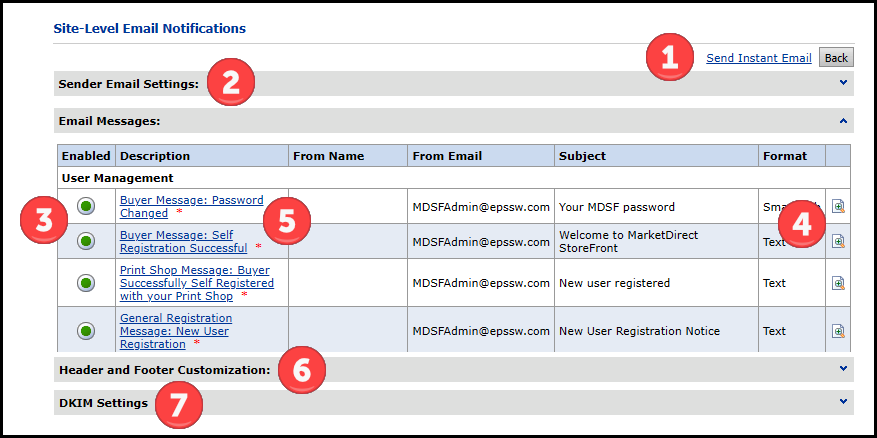
 1.
Send instant email2.
Change your sender email settings 3.
Enable/disable site-level email notifications4.
Preview an email notification5.
Edit an email notification6.
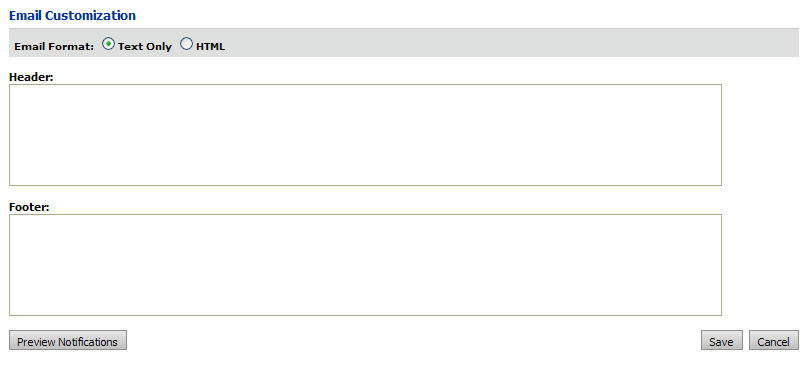
Customize the header and footer for site-level email notifications7.
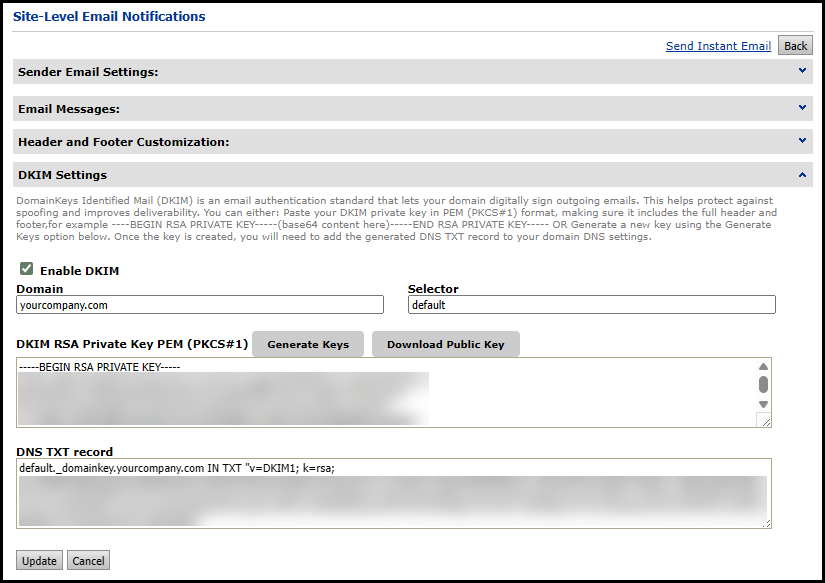
Configure DKIM Settings
1.
Send instant email2.
Change your sender email settings 3.
Enable/disable site-level email notifications4.
Preview an email notification5.
Edit an email notification6.
Customize the header and footer for site-level email notifications7.
Configure DKIM Settings
 in the
 in the
  on the
row containing the notification you want to preview the information
contained in the body of the email notification.
on the
row containing the notification you want to preview the information
contained in the body of the email notification.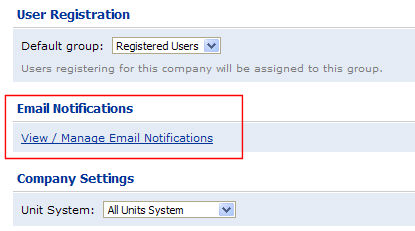
 mode (using the familiar controls of
a word processor such as Microsoft Word) or in
mode (using the familiar controls of
a word processor such as Microsoft Word) or in mode. You can also preview
  the notification before saving it to see
how your formatting options will look to the recipient.
the notification before saving it to see
how your formatting options will look to the recipient.